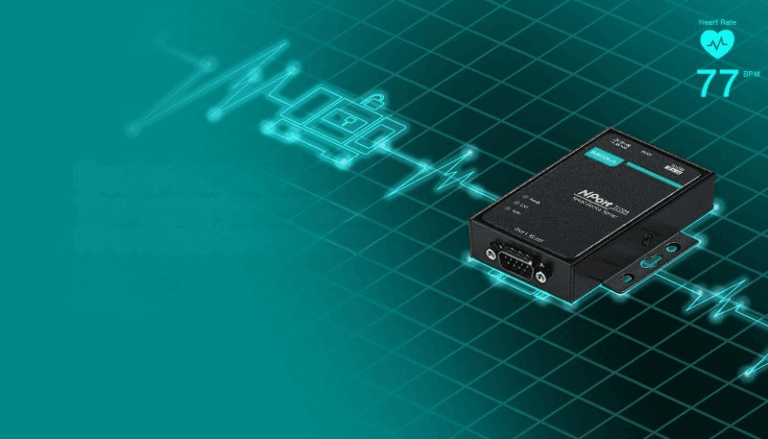
How to update firmware on NPort devices?
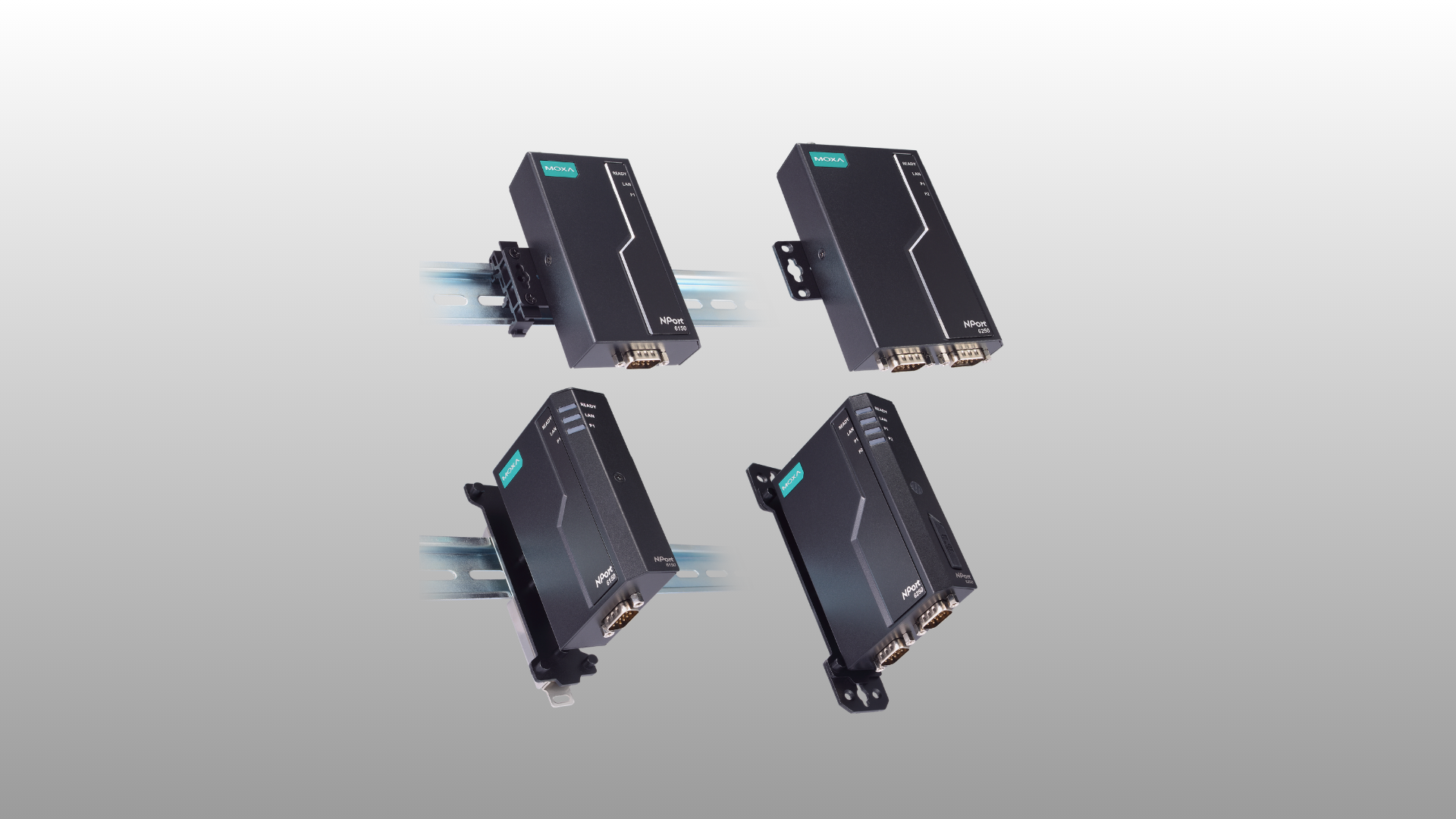
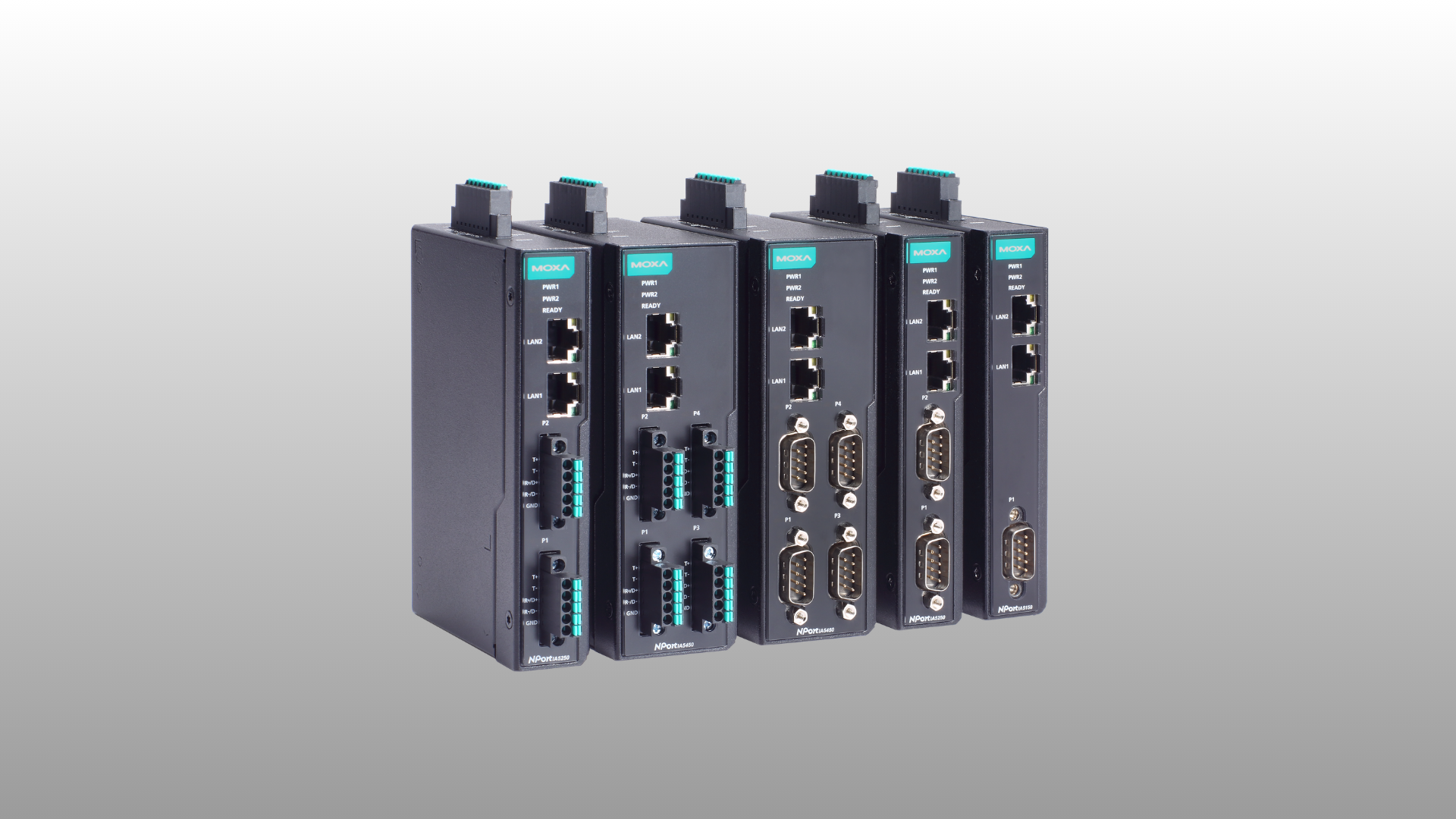
Step 1: To update the NPort firmware, run the NPort Administrator utility. Right-click on the NPort and select the Upgrade Firmware option to start the firmware upgrade.

Step 1: To update the NPort firmware, run the NPort Administrator utility. Right-click on the NPort and select the Upgrade Firmware option to start the firmware upgrade.
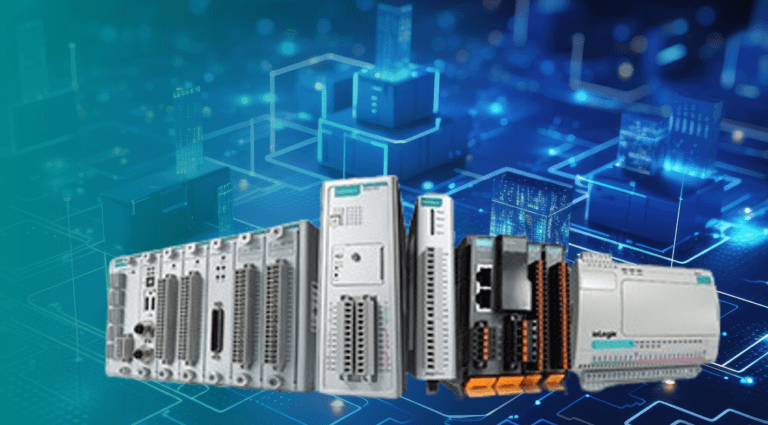
Step 1: Follow the Software & Documentation page on the Moxa website. Enter the name of the series, click Search, and then in the Firmware tab, download the firmware for your model.

Devices powered by the computer’s RS-232 port are powered by the Tx, RTS, and DTR lines. In general, the cable length should not exceed 15 meters at a speed of 9600bps. If you use a longer cable length, the transmitted power may not be enough to power the device.
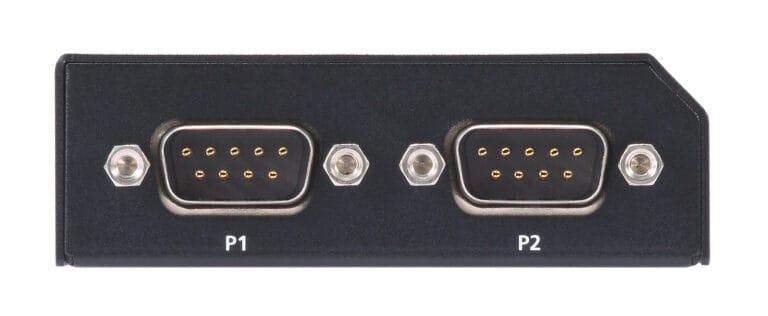
MOXA devices use the standard RS-232 pinout for the DB9 Male connector.

To increase the reliability and extend the life of the power supply. We suggest using a power supply with a 30% power reserve. For example, if the device consumes 100W, then it is better to choose a power supply of 130W or more.
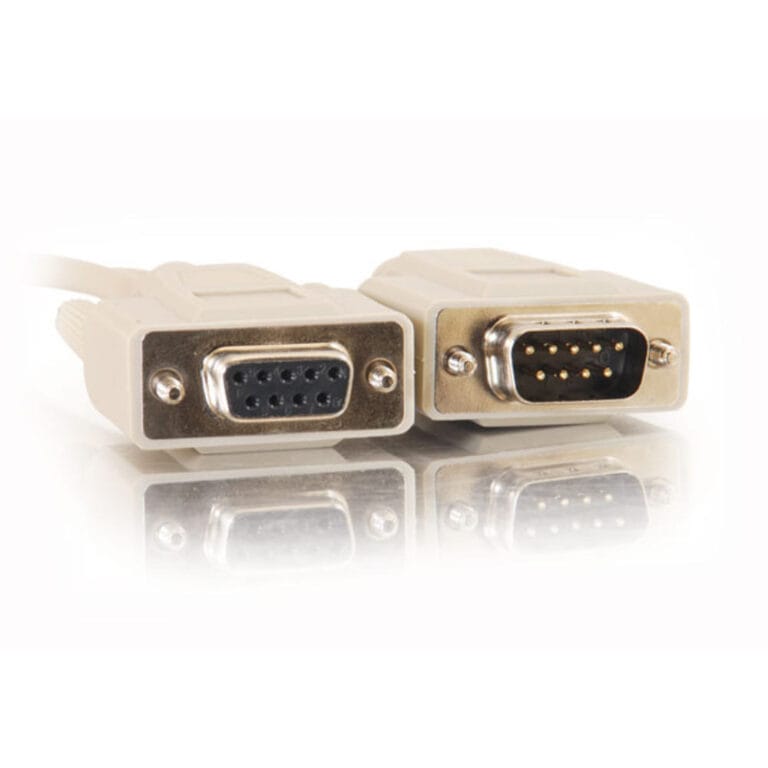
MOXA devices use the standard RS-485 interface pinout for the DB9 Male connector.