Resources

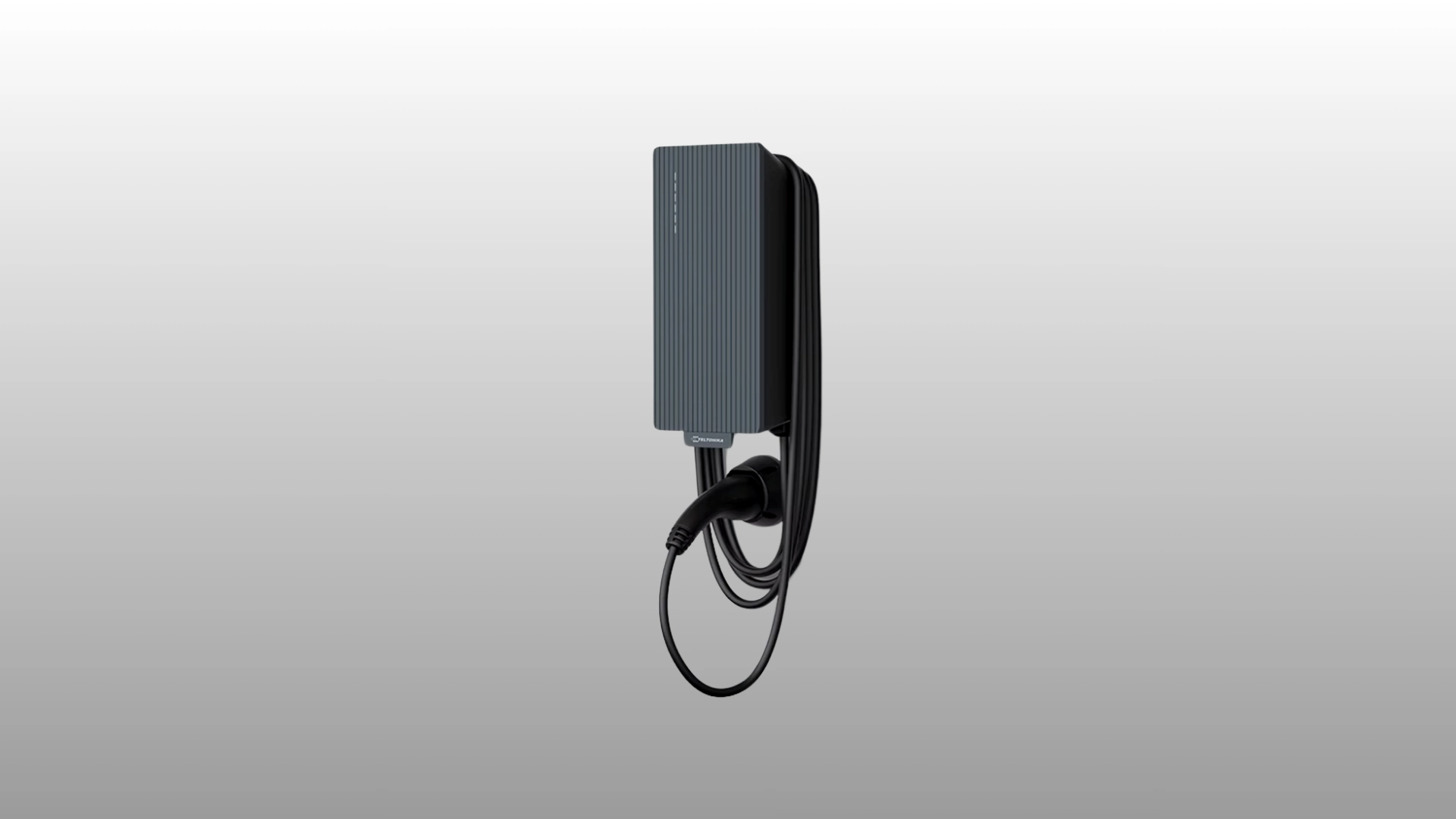
Read about Teltonika's smart, stylish, and surprisingly affordable EV charger.
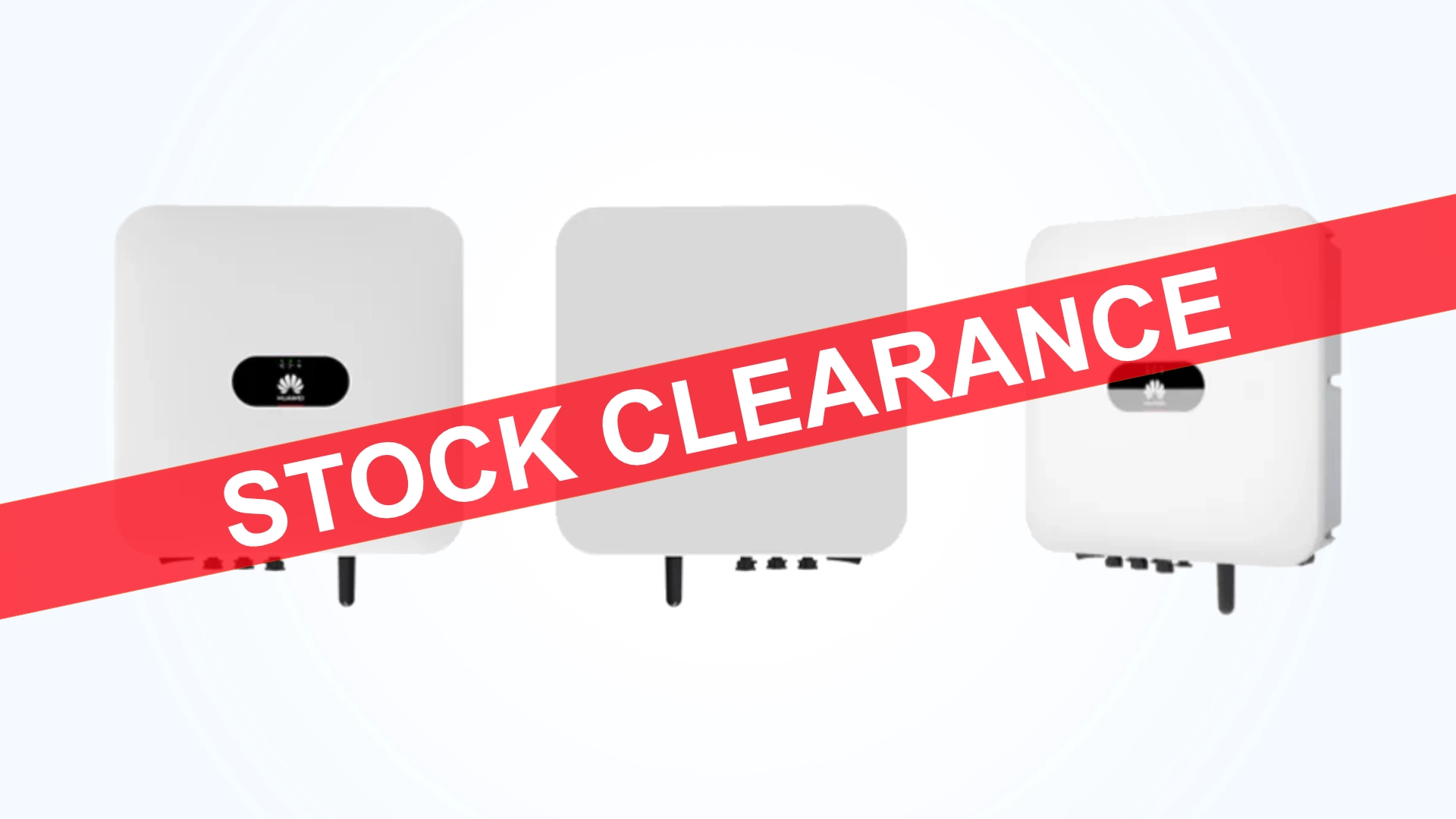
Check out our huge stock clearance on Huawei Solar Inverters products and accessories.
Read about Teltonika's smart, stylish, and surprisingly affordable EV charger.
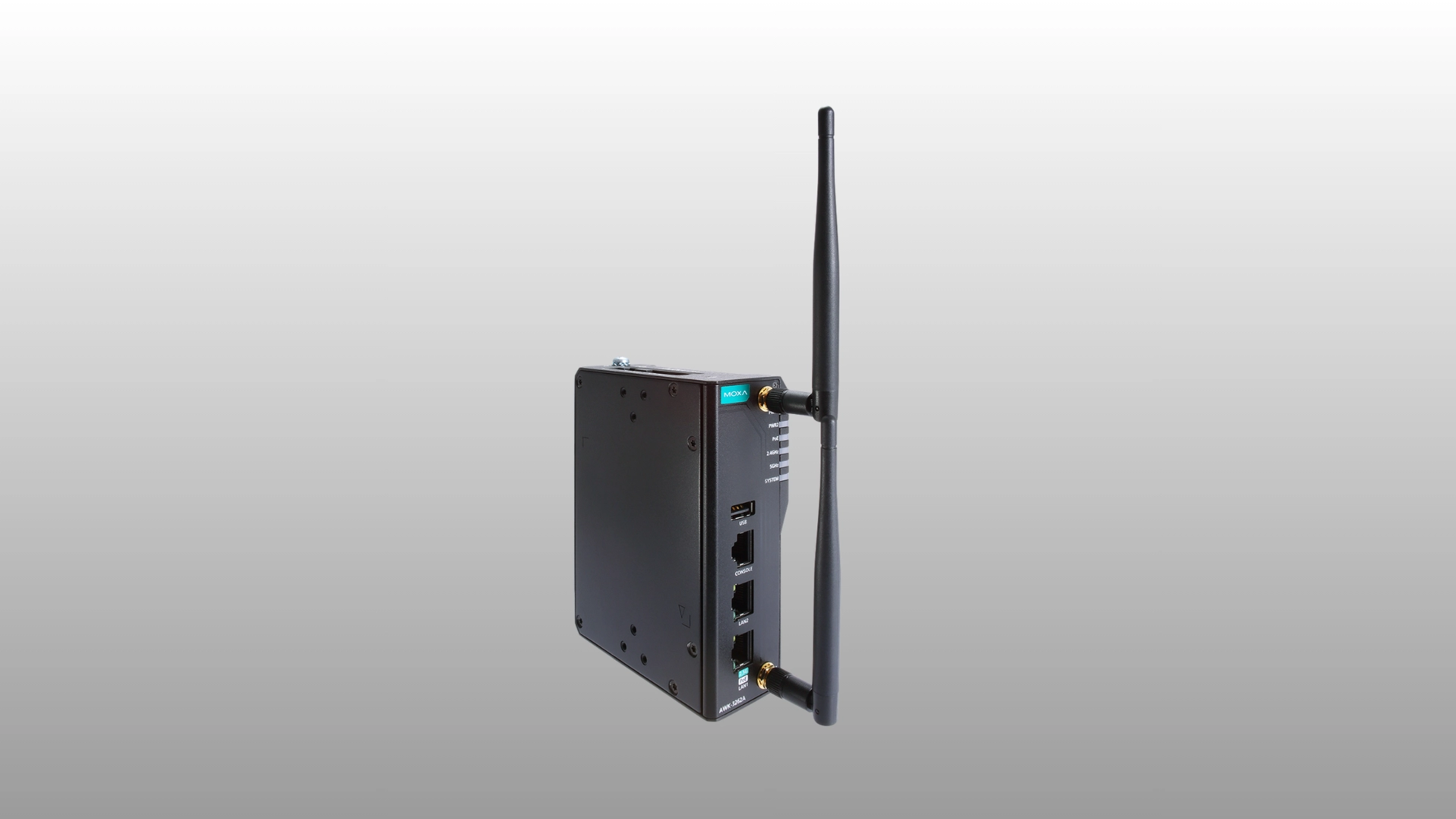
Advanced industrial Wi-Fi 6 (802.11ax) wireless AP/bridge/clients
MGate MB3170 G2 Promotion
APulsar Technologies – Sole Official Distributor Teltonika.
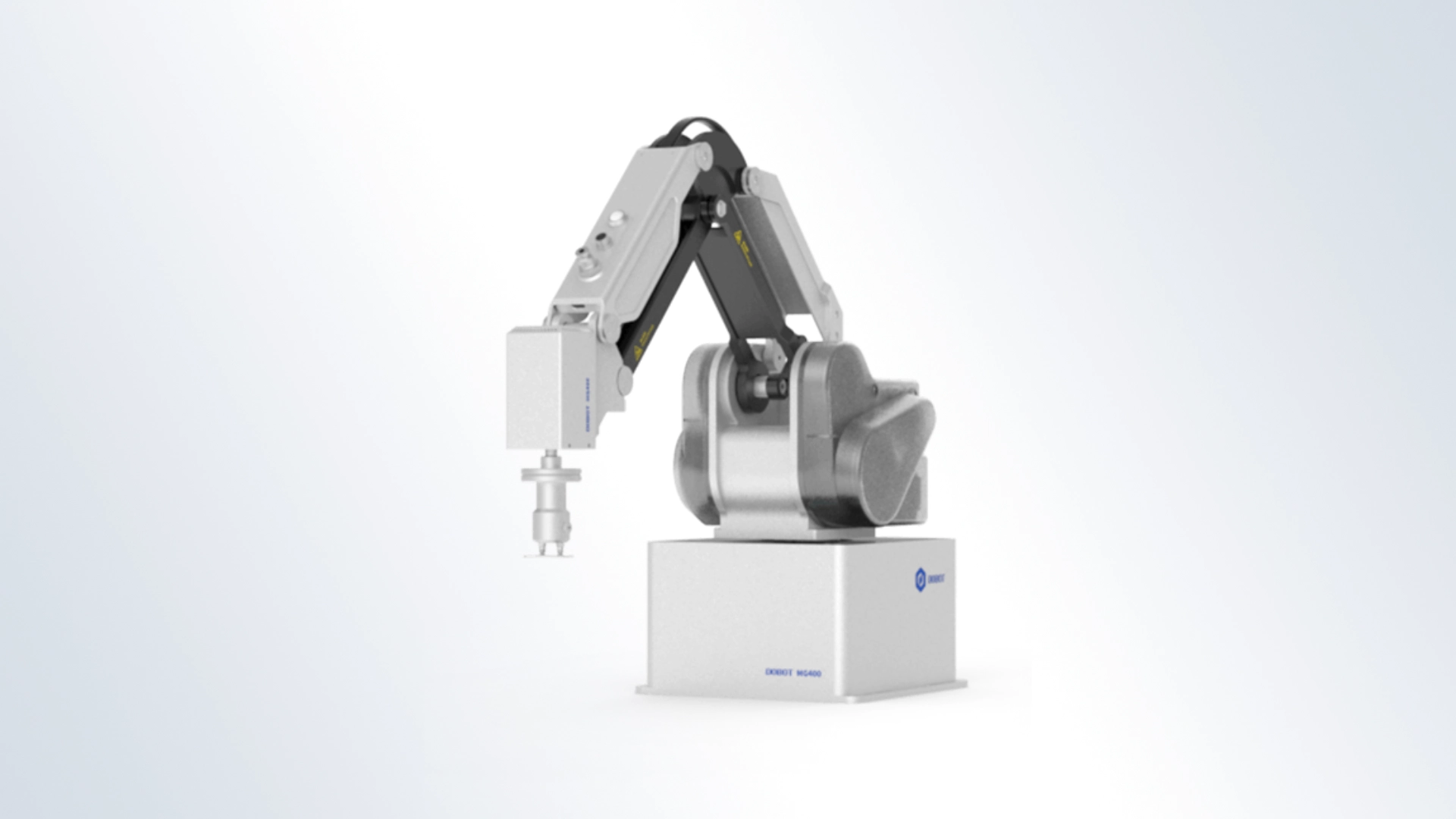
Automate production safely with the Dobot MG400. This affordable 4-axis cobot delivers a rapid 3-to-6-month ROI for your factory.
Visit us on 5 -7 May at Malaysia’s premier expo for metalworking, robotics, and industrial automation.
On 29th October 2023, APulsar Technologies proudly launched the EV Charger at Ara Green Residences, marking another significant step towards a greener and more sustainable future.
On 20th September 2023, APulsar Technologies proudly hosted the Delta Partner Enablement Workshop, a dynamic platform to explore cutting-edge technologies and foster meaningful collaboration with our valued partners.
Increased Connected Devices. According to a survey by IDC, around 40% of the respondents will invest in automation to digitalize their industrial operations.*
For businesses that want to get the most out of their data at field sites to improve operational efficiency, OT/IT convergence is the way forward. However, most industrial equipment uses serial interfaces as they have been a reliable and cost-effective option for system communication in the past decades.
How to choose your MOXA UPort USB-to-Serial with APulsar's Selection Guide.
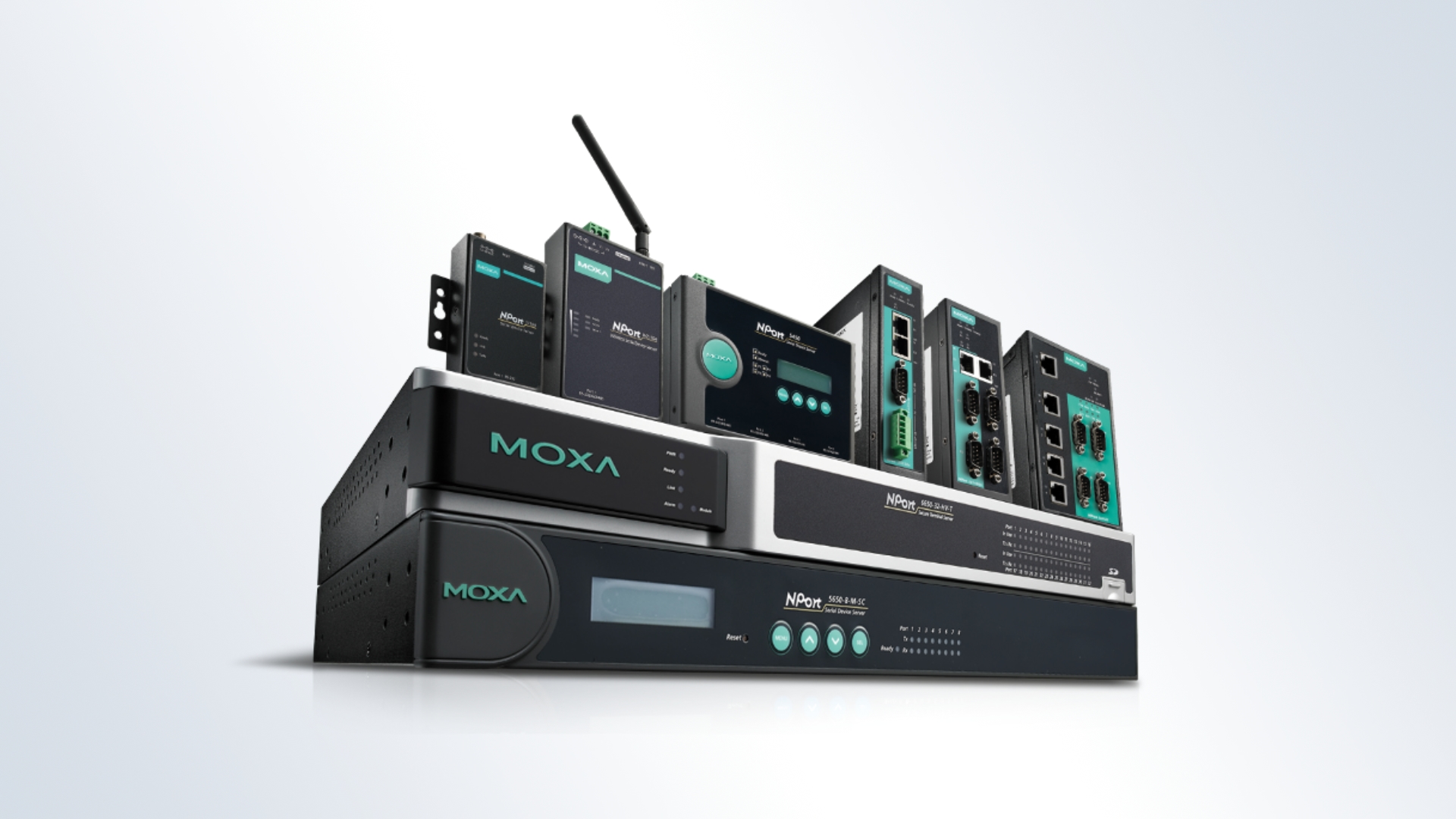
How to choose your MOXA NPort with our Selection Guide.
I/O modules are used to connect various sensors, counters and other terminal devices to control and monitoring systems. Moxa has a fairly extensive line of I/O devices.
Moxa’s MGate MB3270 and MB3660 Modbus gateways can be used to convert Modbus RTU to Modbus ASCII (serial redirection). If two devices are separated by a long distance, protocol conversion can be achieved by coupling two MGates using an Ethernet connection.
Step 1: To update the NPort firmware, run the NPort Administrator utility. Right-click on the NPort and select the Upgrade Firmware option to start the firmware upgrade.
Step 1: Follow the Software & Documentation page on the Moxa website. Enter the name of the series, click Search, and then in the Firmware tab, download the firmware for your model.
Devices powered by the computer’s RS-232 port are powered by the Tx, RTS, and DTR lines. In general, the cable length should not exceed 15 meters at a speed of 9600bps. If you use a longer cable length, the transmitted power may not be enough to power the device.
MOXA devices use the standard RS-232 pinout for the DB9 Male connector.
To increase the reliability and extend the life of the power supply. We suggest using a power supply with a 30% power reserve. For example, if the device consumes 100W, then it is better to choose a power supply of 130W or more.
MOXA devices use the standard RS-485 interface pinout for the DB9 Male connector.