From this article, you will find out what is typically inside an industrial control cabinet, how everything is connected inside and between them, and what type of connectivity equipment can help you organise industrial networks and fieldbus protocols around complex systems in the Industry 4.0 world.
We will balance simple wording with technical accuracy, so we hope this material will be useful and interesting for both experienced engineers and Industrial Automation enthusiasts.
About connectivity inside and between control cabinets
If you work in Industrial Automation, you already know what an industrial control cabinet (or control panel) is. But if not, here is a simple explanation: it is a metal enclosure packed with industrial automation devices such as PLCs, HMIs, RTUs, sensors, relays, and the power supplies for all of them.
All equipment requires interconnection inside the cabinet, which results in a lot of cabling. And these cabinets rarely operate on their own — they are usually part of a larger system, connected into a wider local network or even across the Internet, often involving routing and VPN.
The Reality of Mixed-Vendor Environments
In real projects, devices inside a cabinet often come from different global brands.
You may have a PLC from one company, a sensor from another, and Remote I/O from a third. One control panel may be built around Modbus TCP, another around PROFINET, while a legacy part of the project may still be running on Modbus RTU or even pure RS-232/422/485 with some proprietary code on top.
It may not be the most elegant setup, but this is the reality of industrial automation, and it’s important to understand it in advance.
Space and Environmental Constraints
It is also worth noting that cabinets often don’t offer much free space. It’s common to integrate systems in tight, cramped enclosures, which means the smaller your devices are, the easier your life becomes.
And last but not least — many control panels have no active cooling and may be installed outdoors under direct sun. In such environments you may need redundant power sources, PoE, or devices designed for high temperature and EMI conditions.
Control Cabinet Connectivity: Key Points
Let’s recap:
- Industrial control cabinets use various measurement and control devices that are tightly interconnected.
- Ethernet networks, routing, and VPN are often required.
- Devices usually come from different brands and use different fieldbus protocols over different communication standards.
- Control panels may be cramped, poorly ventilated, and demanding in terms of power and installation conditions.
Now that we understand the common pain points of industrial control cabinets, let’s see how MOXA’s wide range of products can make our life easier.
Connectivity Toolkit for Your Panel Builds
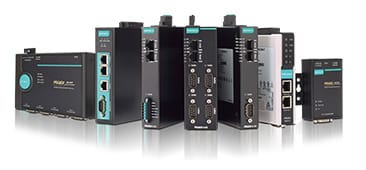
What’s good about MOXA is that their product lines are built specifically for connectivity and protocol conversion. This means the company can act as your one-stop shop for a long list of tasks inside control cabinets
- Switches, routers, NAT devices and Wi-Fi access points help you connect Ethernet-based equipment and link multiple cabinets into one network.
- Serial device servers, protocol gateways, converters and hubs allow you to overcome the mix of communication standards and fieldbus protocols.
- Remote I/O adds an additional layer of sensor and signal connectivity within MOXA’s ecosystem.
- Surge protectors and PoE devices take care of power-related challenges and protect sensitive equipment.
With 38 years of expertise, MOXA offers a comprehensive connectivity portfolio featuring compact designs, seamless compatibility, and industrial-grade reliability — all of which simplifies control panel design and long-term maintenance.
To make it easier to understand their roles, let’s split these devices into two categories — Network Infrastructure and Edge Connectivity — and uncover each category in the context of industrial control cabinets.
Network Infrastructure
Network infrastructure inside control cabinets covers everything related to LAN, routing, and general data movement within your system. Devices in this category are responsible for communication between different parts of the installation, data aggregation, and forwarding information to upper-level networks — whether it’s a factory, a building, a pumping station, or a roadside cabinet.
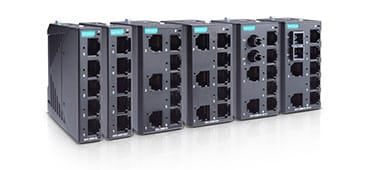
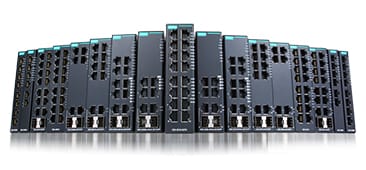
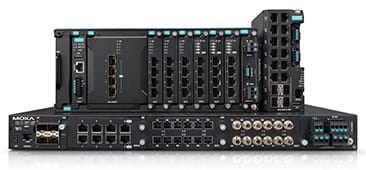
Ethernet Switches
Ethernet switches connect all Ethernet-based devices inside and between control cabinets. In practice, they link PLCs, HMIs, Ethernet Remote I/O, networked sensors, and also bridge multiple cabinets to the wider system network — no matter if that network belongs to an industrial plant, a utility station, or a city infrastructure project.
MOXA offers several switch families to fit different needs:
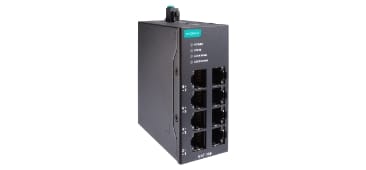
- Unmanaged switches – simple, plug-and-play connectivity with zero configuration.
- Managed switches – VLANs, redundancy, diagnostics, and security features for more complex networks.
- Smart Switches – compact like unmanaged switches, but with essential monitoring and security functions. (More details are available in our dedicated Smart Switches article.)
Many MOXA switches, both managed and unmanaged, also support PoE, acting as Power Source Devices. This lets you power devices such as IP cameras or Wi-Fi clients over the same Ethernet cable — very helpful in compact control panels.
You can check MOXA’s range of managed, unmanaged, and smart switches below:
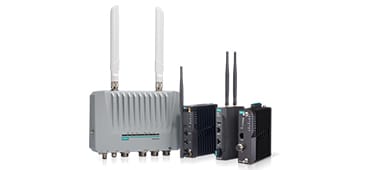
Wi-Fi Access Points and Clients
Wi-Fi can also be part of your control cabinet’s network infrastructure, especially when cabling is difficult or when the system must cover long distances. MOXA offers both Wi-Fi Access Points and Wi-Fi Clients, and all of them include Ethernet ports for integration into the cabinet network. Some models even support PoE, which simplifies installation in tight spaces.
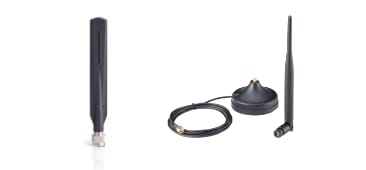
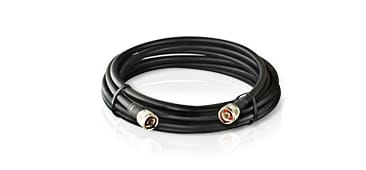
Using Wi-Fi inside a closed metal cabinet is not practical, because the enclosure blocks and reflects radio signals. The common solution is to install the Wi-Fi device inside the cabinet but route the antenna outside using a suitable extension cable. This way, the wireless signal can operate freely without interference from the metal enclosure.
You can explore MOXA’s Access Points, Clients, antennas and cables below:
NAT devices
NAT devices are a special type of networking equipment used when your IP addressing doesn’t match the requirements of the upper-level system. Instead of reconfiguring field devices, you place a NAT device between them, and it translates one IP address into another. This is called 1-to-1 NAT.
NAT can also hide several local devices behind a single external IP address using N-to-1 NAT (also known as NAPT or IP masquerading). This is useful when you need to present a simple, unified network structure to SCADA or a control room.
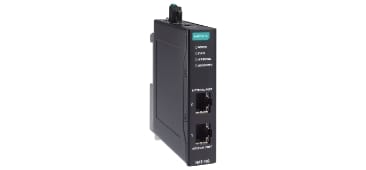
You don’t need a full industrial router for this task. MOXA’s NAT devices are compact, budget-friendly, and designed for exactly this function — they are about the size of a small unmanaged switch and easy to fit inside any control cabinet.
You can check MOXA’s NAT devices below:
Edge Connectivity
Edge connectivity devices form a large group of equipment designed to gather data from end-devices and convert it between different standards and protocols. They help you connect legacy serial equipment, fieldbus devices, sensors, and long-distance fibre links into one coherent system.
Serial Device Servers
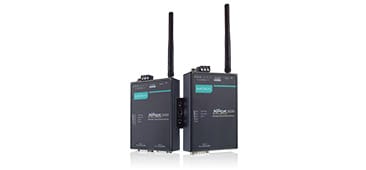
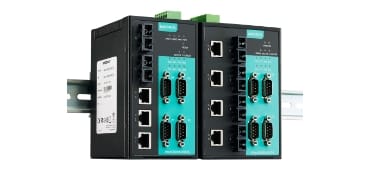
Serial Device Servers bridge data between RS-232/422/485 interfaces and Ethernet. As mentioned earlier, real-world projects often include a mix of RS-232 meters, RS-485 HMIs, and Ethernet-based PLCs. Bringing all of them into one system usually requires a reliable serial-to-Ethernet bridge.
MOXA’s NPort Serial Device Servers make these mixed connections possible within the same control cabinet and ensure stable communication across all interfaces.
You can explore the NPort series here:
If you need help choosing the right NPort model, check our dedicated MOXA NPort Selection Guide.
Protocol Gateways
Protocol Gateways translate different fieldbus protocols between each other. For example, if your PLC communicates using Modbus TCP and your meter uses Modbus RTU, they cannot talk to each other—not only because the physical interfaces differ (RJ45 vs. COM), but also because they speak different “languages.” Even Serial Device Servers won’t solve this, because they convert the communication standard, not the protocol on top.
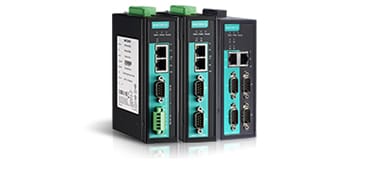
MOXA’s MGate Protocol Gateways can convert between more than 15 fieldbus protocols, with support for various device roles such as master, slave, client, server, and more.
You can check the MGate series here:
Remote I/O
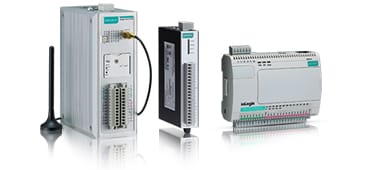
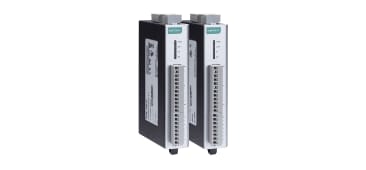
Remote I/O modules allow you to connect sensors, meters, buttons, actuators and servo drivers through digital and analog inputs and outputs. In most setups, field devices are wired to the Remote I/O, and the module then sends this data to the upper level via Ethernet or Serial for processing and decision making. In some cases, Remote I/O units can even communicate directly with each other using “peer-to-peer” mode, without a PLC or SCADA involved.
MOXA offers a wide range of Remote I/O modules with both Ethernet and RS-485 interfaces, giving you many combinations of analog/digital and input/output channels.
You can check them here:
Serial and Media Converters
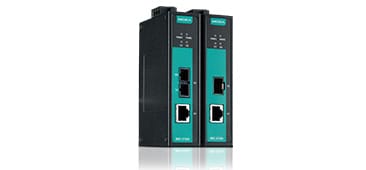
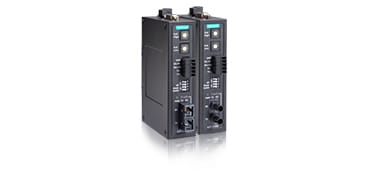
Media Converters translate communication media — for example, from copper Ethernet to fiber Ethernet and back. Serial Converters convert between different serial standards or bridge serial data over fiber. Both types are commonly used for long-distance connections between cabinets or remote devices.
With MOXA converters, a single-mode fiber link can reach distances of up to 80 km using a pair of TX/RX fibers. Inside the cabinet, this fiber connection can be converted back to Ethernet and then distributed to devices in the system.
Some MOXA Media Converters even support PoE, allowing you to power nearby PoE IP cameras via UTP cable and then send the video stream over long-distance fiber directly to the control center.
You can check them here:
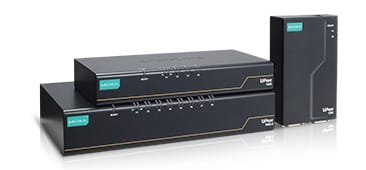
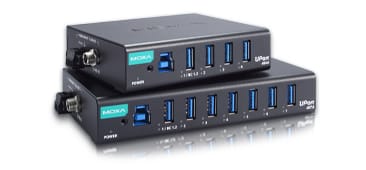
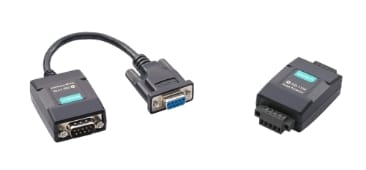
USB Converters and Hubs
USB Converters and Hubs allow you to integrate USB-based equipment into your system. USB converters translate RS-232/422/485 to USB, enabling you to connect serial devices to the USB port of an embedded computer or PLC when there is no COM port available (or when it is already occupied).
USB hubs let you connect multiple USB devices to a single USB port. They work similarly to the hubs we use in everyday life, but these versions are industrial-grade, making them suitable for harsh environments and higher electrical noise.
You can check them here:
If you want to know more about USB-to-Serial Converters, check our dedicated article “What is a USB-to-Serial Converter“.
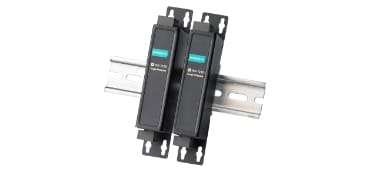
Surge Protectors
MOXA’s Surge Protectors are designed specifically to protect serial data lines and prevent damage to connected devices. These plug-and-play units add protection to a wide range of serial interfaces, including RS-232, RS-422, and RS-485.
You can check them here:
Reasons to purchase NPort from APulsar in Malaysia
Now that you understand the connectivity challenges inside control cabinets and how MOXA products can solve them, only one question remains: why should you buy from APulsar?
Here are our top 9 reasons:
- Official MOXA Distributor: APulsar is an official authorized distributor of MOXA products. You can check our status here. On top of that, APulsar is the largest MOXA distributor in Malaysia.
- Certified Expertise: APulsar holds MOXA’s official certifications — MXCA (MOXA Certified Associate Trainer) and MTSC (MOXA Technical Support Certification). MXCA certifies our ability to deliver technical training on MOXA products, while MTSC proves our deep knowledge of MOXA’s latest products and technologies.
- Unmatched Experience: Across our team, we share over 50 years of combined experience working with MOXA products. Some of our engineers have worked with MOXA devices for more than 10 or even 20 years.
- Ready Stock Availability: We keep the most popular models in stock. Just send us your request!
- Instant Delivery: If the model you need is in stock, we can ship it to you the same day anywhere in Malaysia. If you are based in Kuala Lumpur, you are welcome to visit our office in Petaling Jaya, pay via cash or Touch ’n Go, and receive your device within hours!
- Fast Shipment from Taiwan: If the model you need is not in stock, we can typically deliver it within 1–2 weeks directly from MOXA’s facilities.
- Equipment Loan Available: Want to try before you buy? Contact us to loan a test sample at no cost.
- Post-Sales Support: We never leave you alone after your purchase. When you buy from APulsar, you receive lifetime free online technical support for your MOXA product. If needed, we also offer on-site technical support provided by our experienced engineers as an additional service. Whenever you need help, just send us a message or give us a call.
- Personalized Selection Assistance: Struggling to navigate the huge range of products? We are here to help! Just call or message us, tell us a little about your project, and our specialists will quickly help you choose the right model for your specific needs.
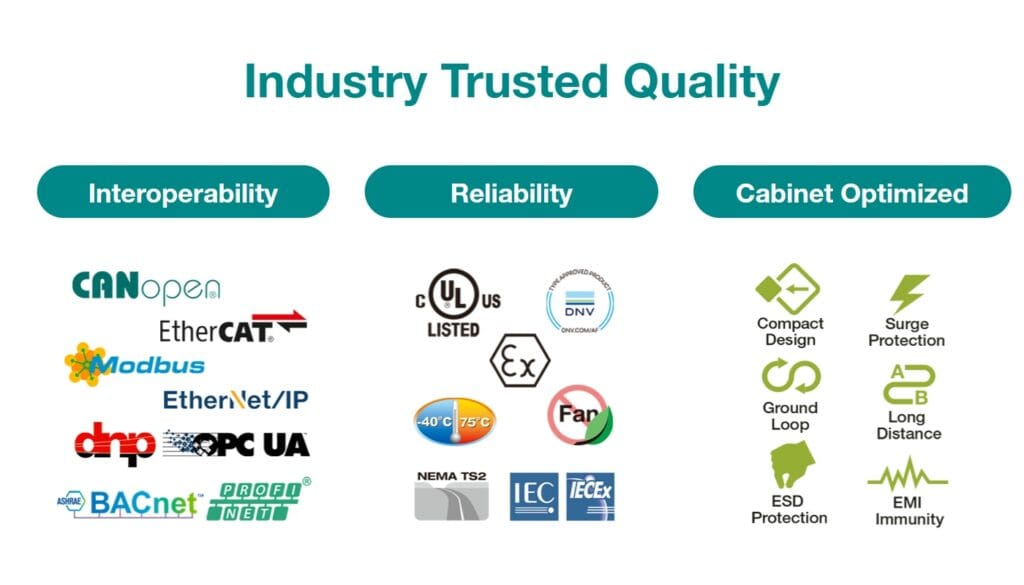
Beyond our service and support, the MOXA products themselves bring proven quality to your control cabinet projects. Here are the key certifications and features:
Get in touch!
The APulsar team hopes that this article has been insightful for you. Anytime you need advice, assistance, or technical support — just contact us.
And if you would like to see more useful guides like this one, don’t forget to subscribe to our newsletter below!

This is the heading
Lorem ipsum dolor sit amet, consectetur adipiscing elit. Ut elit tellus, luctus nec ullamcorper mattis, pulvinar dapibus leo.