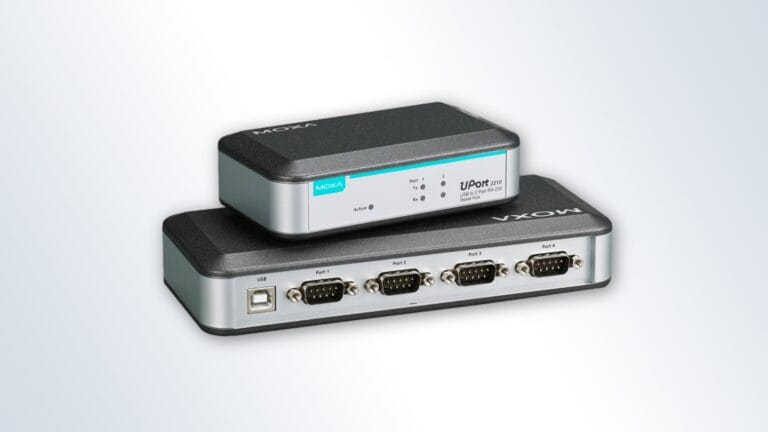
What is a USB-to-Serial Converter?
What is a USB-to-Serial Converters? Key benefits, application scenarios, and reasons to use one.

What is a USB-to-Serial Converters? Key benefits, application scenarios, and reasons to use one.
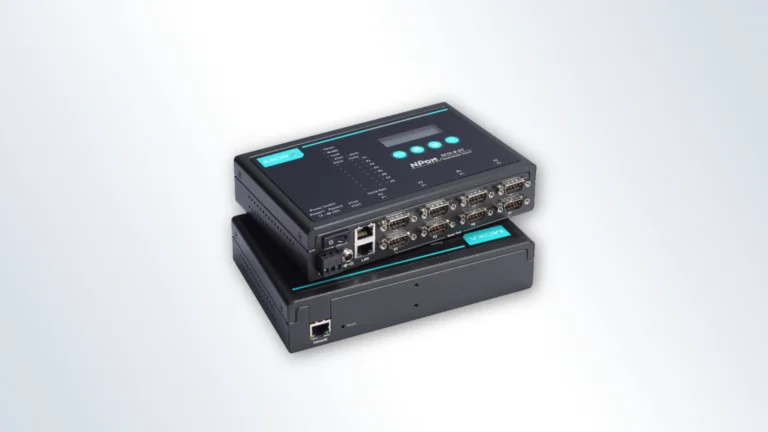
What is a Serial Device Server? Key benefits and reasons to use one.
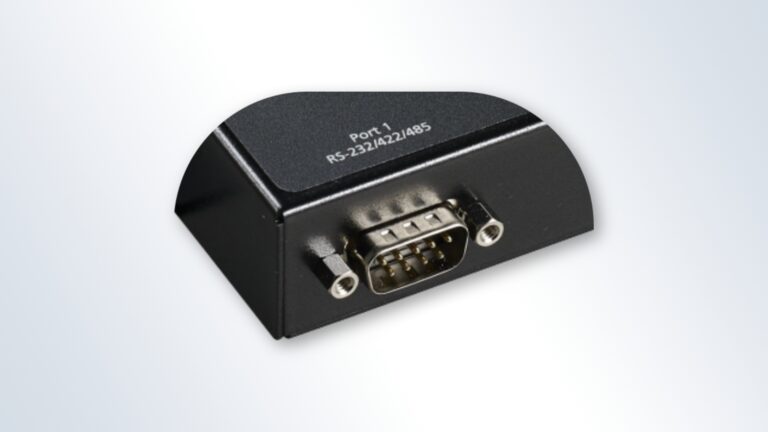
Serial protocols, COM-port, RS-232/422/485 explained
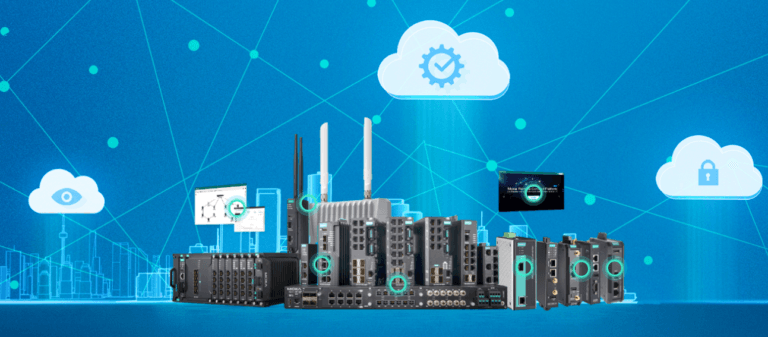
Unmanaged – A switch without management features. It is used when it is necessary to combine several Ethernet devices into a single system. Moxa unmanaged switches are presented in seriesEDS-200, EDS-300 andEDS-2000.
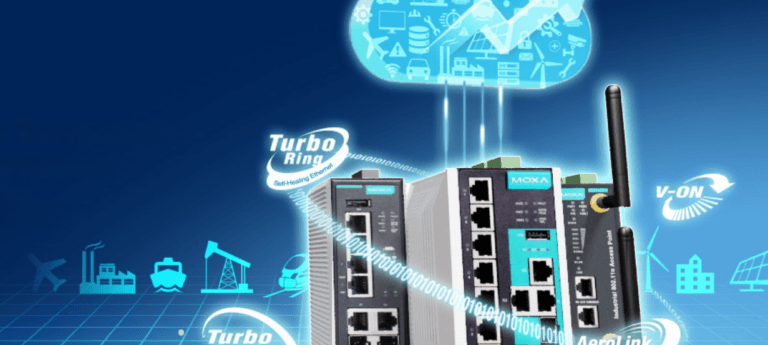
This article shows how to configure the Turbo Ring V2 protocol for a ring topology through the switch’s web interface.
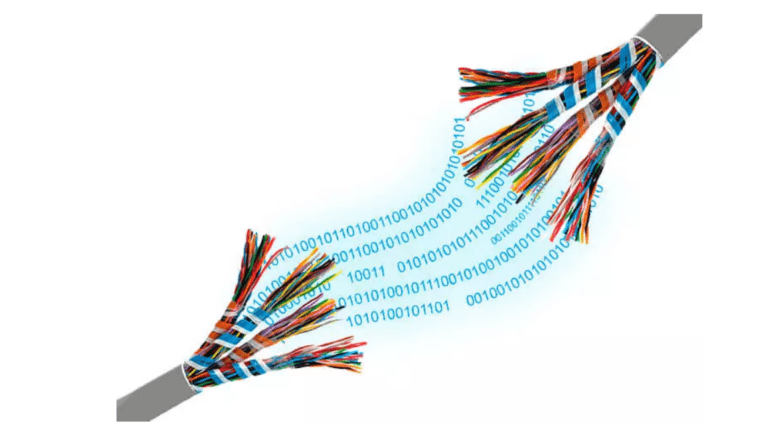
The RS-232 interface provides information exchange between two devices at a distance of up to 15 meters. To overcome this limitation, MOXA offers two solutions: RS-232/422/485 to Ethernet converters or (NPort Series) RS-232 to RS-422/485 converters (TCC Series).

This option requires an MGate protocol converter. You can use the Modbus TCP protocol to communicate with Modbus RTU devices through the gateway. There are many ” Modbus gateways ” available in the automation market that provide Modbus TCP connectivity for Modbus TCP slaves. When the gateway receives a Modbus TCP request, it converts the packet to Modbus RTU and immediately sends it to the Modbus RTU devices.

While the Moxa MGate can handle this, remember that the serial port bandwidth remains the same. If multiple requests arrive on the same serial port, there may be a delay as the gateway processes the earlier requests first. Therefore, if you want to allow multiple masters to access a Modbus RTU device at the same time, you first need to find a suitable polling time.

Moxa’s MGate MB3270 and MB3660 Modbus gateways can be used to convert Modbus RTU to Modbus ASCII (serial redirection). If two devices are separated by a long distance, protocol conversion can be achieved by coupling two MGates using an Ethernet connection.
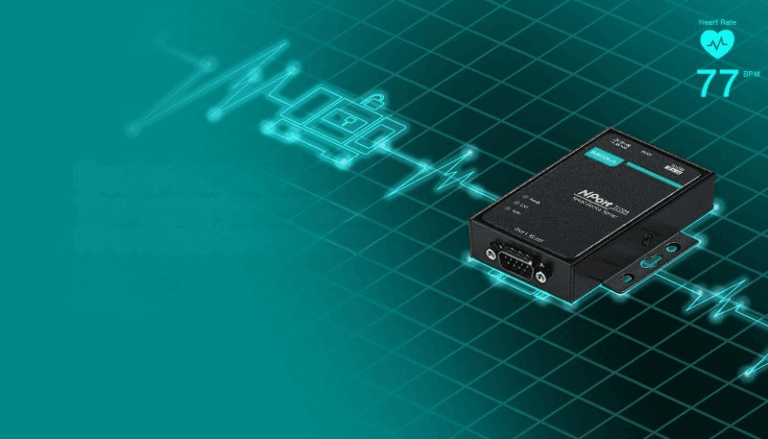
Step 1: To update the NPort firmware, run the NPort Administrator utility. Right-click on the NPort and select the Upgrade Firmware option to start the firmware upgrade.
Step 1: Follow the Software & Documentation page on the Moxa website. Enter the name of the series, click Search, and then in the Firmware tab, download the firmware for your model.

Devices powered by the computer’s RS-232 port are powered by the Tx, RTS, and DTR lines. In general, the cable length should not exceed 15 meters at a speed of 9600bps. If you use a longer cable length, the transmitted power may not be enough to power the device.